

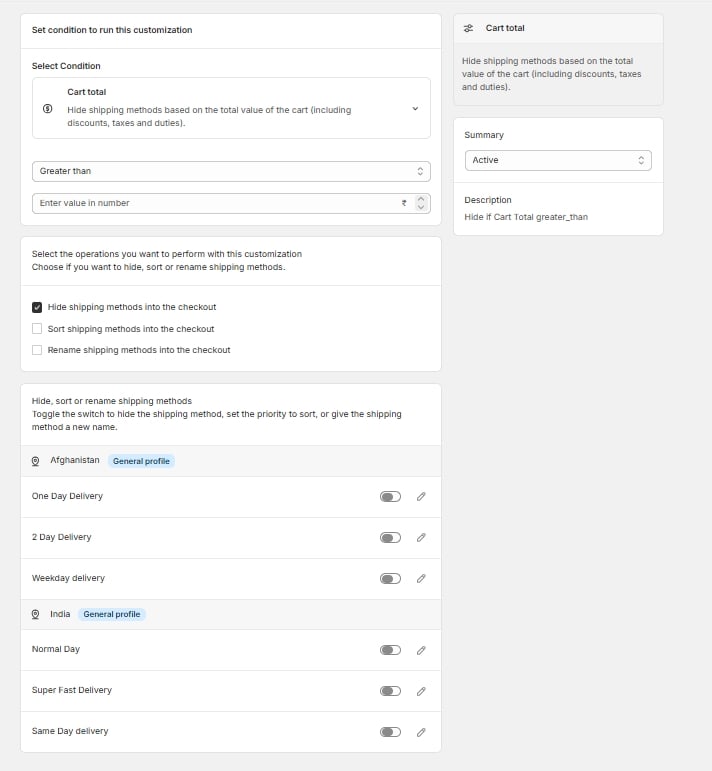
Simple editor, nothing filled in
1. Pick a condition
Open the condition dropdown and choose what the rule should key off — conditions are grouped, for example everything cart-related sits under the Cart group.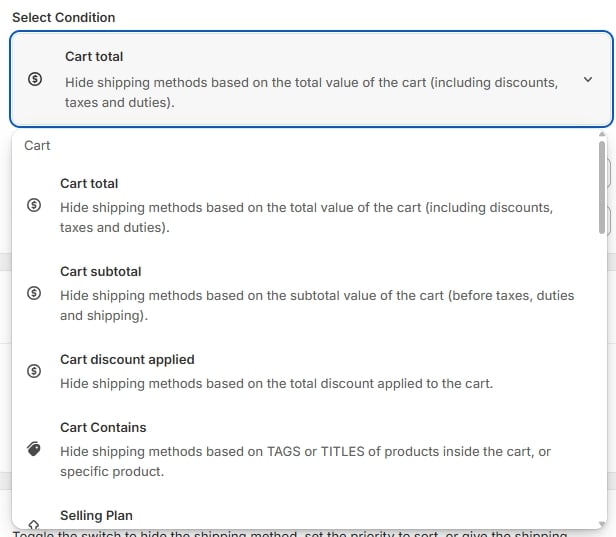
Condition dropdown open, Cart group
2. Pick the shipping methods and actions
Once the condition is set, pick which shipping methods it applies to and what should happen to them — hide, reorder, and/or rename are all available together on the same rule.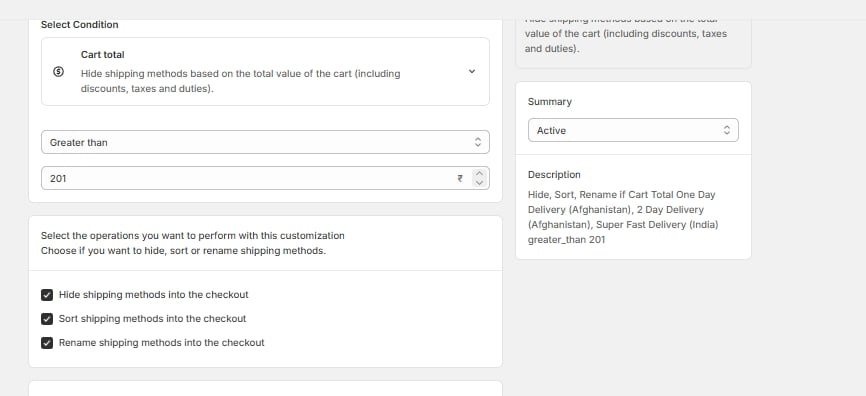
Completed simple rule — all three operations, cart total > 201
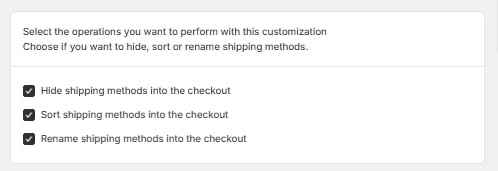
Hide / Reorder / Rename checkboxes
3. Optional: label and priority
If you’re renaming a method, you can also give it an explicit priority so it’s clear which rule wins if more than one rule could rename the same method.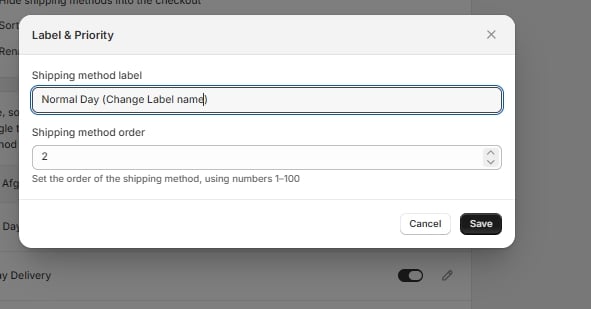
Label & Priority modal — label text + order 1–100
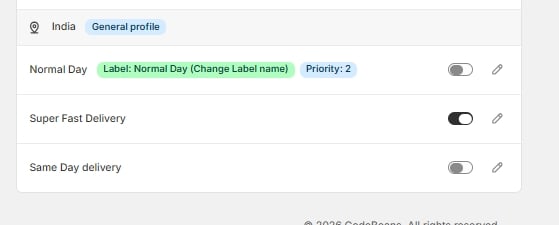
Method row showing Label and Priority badges
4. Hidden methods by zone
You can also review and toggle which methods are hidden per shipping zone directly from the method list: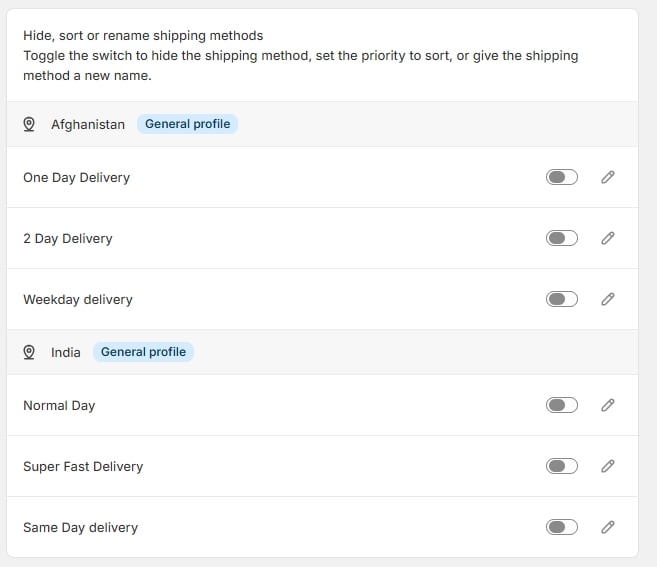
Method list by zone with toggles
5. Check the summary and save
The summary panel gives you a plain-English description of what the rule does, and tells you whether it’s Active or a Draft.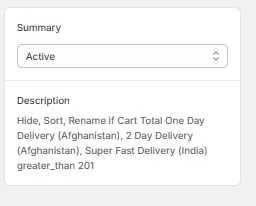
Summary panel, Active, plain-English description

Unsaved changes bar — Discard / Save