

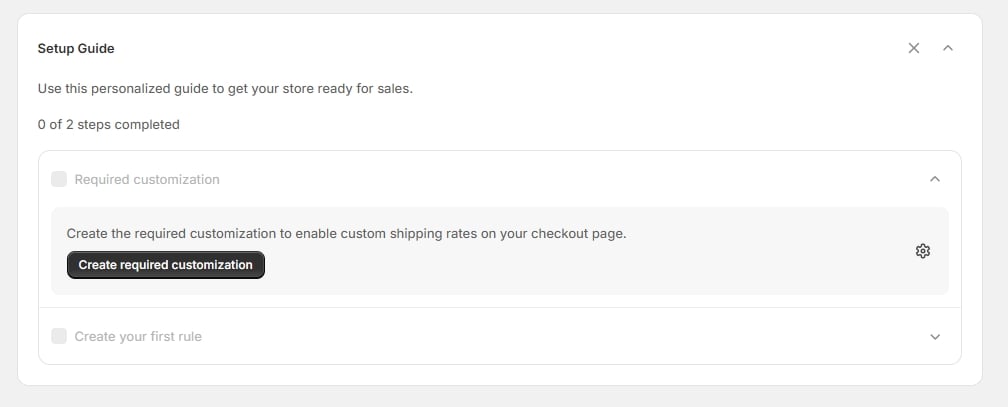
The Setup Guide on the Home page
1
Required customization
“Create the required customization to enable custom shipping rates on your checkout page.” The Create required customization button opens the rule-type picker. See Choosing a rule type.
2
Create your first rule
“Create your first shipping customization rule to customize checkout rates.” The Create rule button takes you to the customizations list. This step ticks once you have a rule that’s actually enabled — saving a rule and leaving it switched off won’t complete it.