

- Is the rule Active, not Draft? Draft rules are saved but never applied at checkout — see Advanced customization.
- Is the rule enabled? The toggle in the customizations list is separate from the Active/Draft status — see Turning rules on and off.
- Did your plan change recently? A downgrade turns off rules the new plan doesn’t cover. Check the Home page for a banner naming them — see Choosing a plan.
- Does your plan include this rule type? See Choosing a plan.
- For tag or company rules — is Protected Customer Data access approved? Without it, the app can’t read the customer information the rule matches on.
- Are you at the active-rule limit? You can save as many customizations as you like, but only 25 can be active and running at once.
- Did you check a fresh checkout? Rates can be cached briefly — see Seeing your rule at checkout.
If you see an error screen
If something goes wrong, the app shows a short explanation of what happened along with a Back to app button, and a Try again button when the problem looks temporary. Trying again resolves most transient issues; if the same screen keeps coming back, it’s worth reporting.Support page
If none of the above resolves it, reach the team from the Support page in the app’s navigation.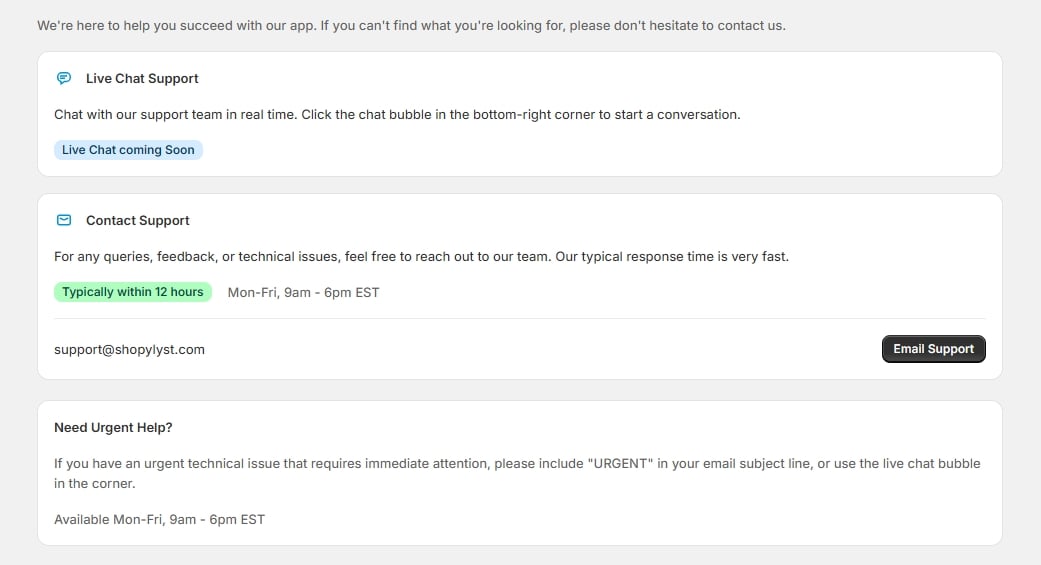
Support page
- Live Chat Support — chat with the team in real time. Click the chat bubble in the bottom-right corner of any page in the app to start a conversation.
- Contact Support — email, with replies typically within 12 hours.
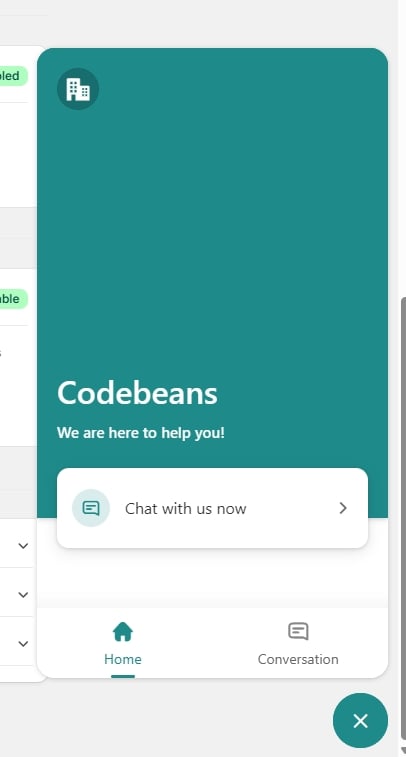
The live chat panel, opened from the bubble in the corner
For an urgent technical issue, include “URGENT” in your email subject line.
- The rule type and name.
- What you expected to happen versus what actually happened.
- A screenshot of the rule’s summary panel, if you have one.